Reinstate Cancelled Reservations
Cancelled reservations can be reinstated until the date roll of the reservation’s arrival date. The Undo Cancellation button has been renamed as Reinstate. When clicked, the Reinstate pop-up screen appears that displays the following message: If you reinstate the reservation, payments aren't automatically reversed. Any payments applied towards the cancellation fee must be manually adjusted. Are you sure you want to reinstate?
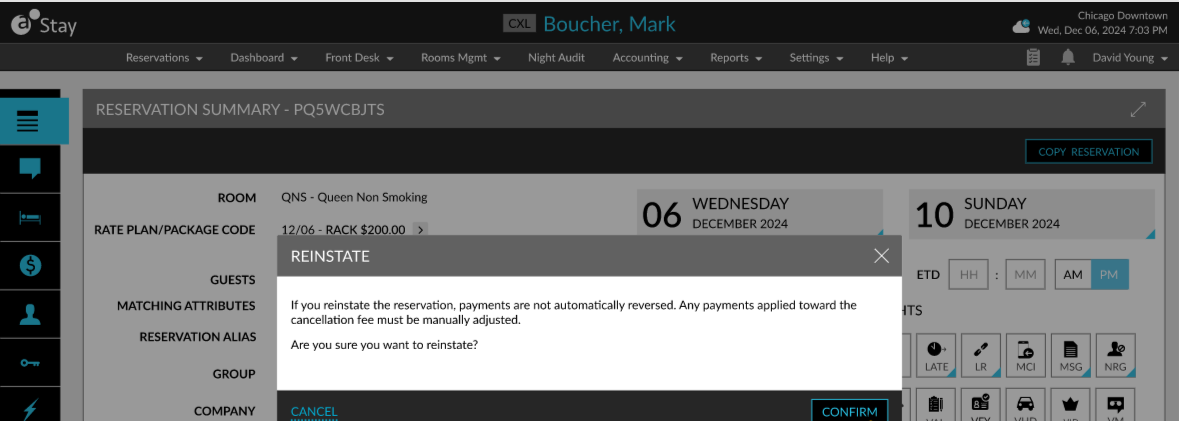
When users click Confirm, the reservation is restored, and the arrival date is updated to the current property date. When a reservation is manually marked as No-Show or No-Show (G) or automatically during date roll, the no-show fee is applied to the reservation.
Once the reservation is reinstated, the welcome benefits available for the guest are displayed. The reinstated reservation can be selected as the destination when configuring routing rules at the property.